AutoJuke
AutoJuke v0.1d
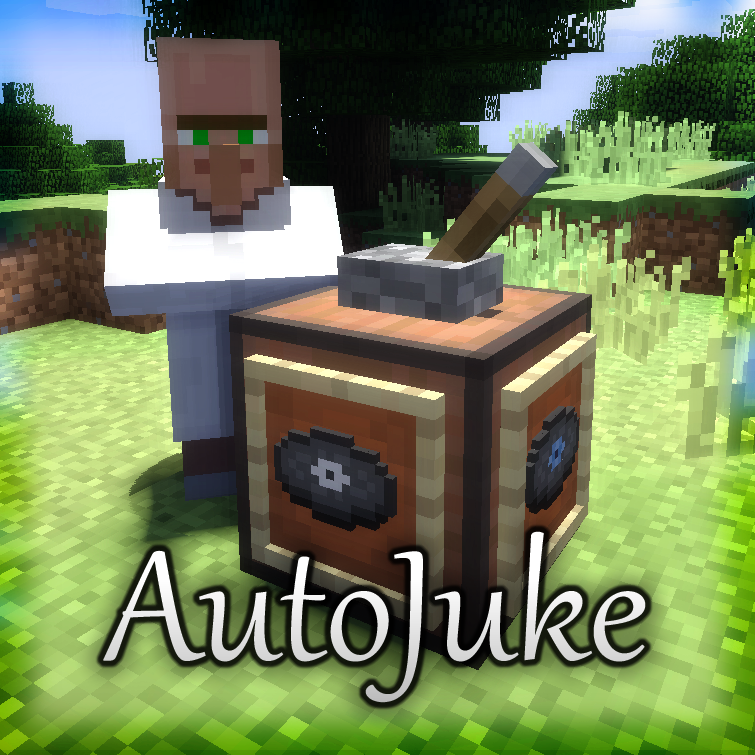
This plugin lets you create jukeboxes with a set of up to 4 discs to be played randomly.
What does it do?
This plugin features a setup for jukeboxes to have them play random discs you place in item frames attached to them! Whenever powered by a lever placed on top, it automatically chooses one random disc to play and places it in another empty item frame when it's turned off again. If there is no empty item frame when turning it off, the disc will be ejected.
Also there is an option to make it randomly loop through all the discs (see autoPlay in the config).
Normal jukeboxes still do their job of course!
Setup of jukeboxes

- Place down a jukebox
- Place a lever on top
- Place up to 4 item frames on the sides of the jukebox and fill them with discs
- Switch the lever
- Have the jukebox play one of the discs! Yay!
Installation
- Download the plugin jar-file
- Move it into your server's "plugins" directory.
- Load the plugin once
- Edit the plugin's configuration (in plugins/AutoJuke/) at will
Video
This video was made by IngrownPenguin. Thanks fo' that :)
Planned
- Different jukebox setups (?)
Other
- There are no commands, no permissions and no crafting recipes in this plugin. All the magic works without them. If you feel there should be some for whatever reason, you may suggest them.
- There is a system checking for updates available (optional) when the server loads the plugin and inform users with selected permission branches if there is a newer version. It does not automatically download files.
Comments

-

_ForgeUser7503997 Owner
-
View User Profile
-
Send Message
Posted Aug 29, 2013@Mab_Skul_Lol
So far it is ignorant and only explicitly checks for levers as I had problems with other redstone inputs when I wrote this plugin. Also it currently only works when the lever is on top (as the plugin identifies the AutoJuke jukeboxes by a lever on top). I was/am working on getting redstone signals to power the jukeboxes and it may probably be done at the weekend.
-
View User Profile
-
Send Message
Posted Aug 27, 2013Hi Meta. I am trying to find a up to date plugin that allows redstone to control a jukebox. So i must ask, does this plugin use the levers redstone signal, or simply check the state of the lever? How would I go about powering it with another source if it uses the redstone signal?
And one final question: If it uses the levers state, are there plans to allow it to use redstone signals?
-
View User Profile
-
Send Message
Posted Aug 19, 2013@iMeta95
Okay, will do xP The bukkit ticket system.. ha yay.
EDIT: After testing your fixes, they work fine, thanks.
-
View User Profile
-
Send Message
Posted Aug 18, 2013@ViscousSummer88
Nah, all of that is not intented ... I'll fix dat.
EDIT: Done. Thanks for the report. Luckily you were the only one who downloaded the broken version :)
Next time maybe open a ticket :)
-
View User Profile
-
Send Message
Posted Aug 18, 2013@iMeta95
Cool, i've tested it already. One question, are the music disc lengths supposed to show in chat? If so, add a way to disable that please :) http://i.imgur.com/RmFS8ty.png Also, Error when trying to play next disc: http://pastebin.com/1j90V6E1
-
View User Profile
-
Send Message
Posted Aug 18, 2013@J_Skulloz
It's for the latest dev versions but maybe I forgot to update it :s
I'll look into it
EDIT: It works fine for me with dev build #2853. Are there any exception messages in your server log?
-@ViscousSummer88 Watch out, version 0.1c incoming :)
-
View User Profile
-
Send Message
Posted Aug 18, 2013LOVE this plugin <3
You should make this so it can auto play the next disc without having to pull the lever.
-
View User Profile
-
Send Message
Posted Aug 17, 2013Is it for 1.6.2 ?
if yes it didnt work on mine :(
-
View User Profile
-
Send Message
Posted Aug 8, 2013@Verthamon Thanks for the feedback :)
-
View User Profile
-
Send Message
Posted Aug 7, 2013This plugin looks much better than another one I had seen on the forums. The inclusion of item frames on the sides of the jukeboxes is original and looks good in-game!