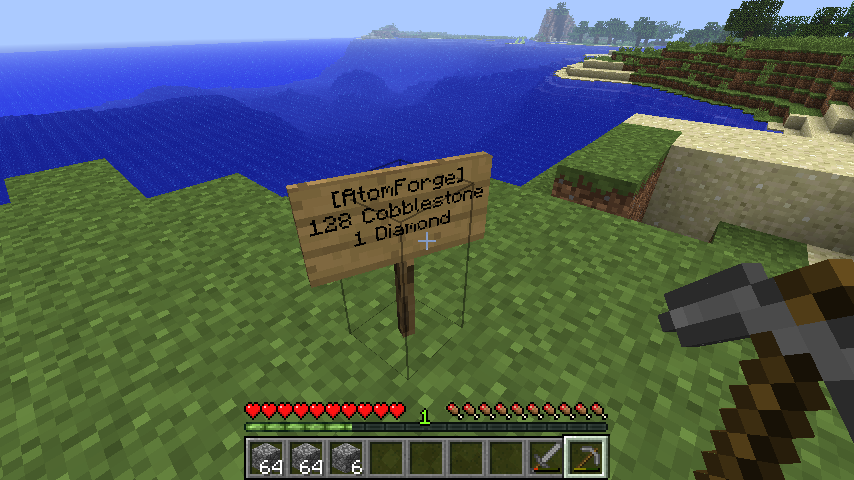
AtomForge
AtomForge
Minecraft, with 100% more Fusion!
AtomForge provides a very simple, yet powerful way to convert one item into another.
Format
Signs should be formatted in the following manner:
All AtomForge signs must start with the line
[AtomForge]
The second line denotes the input item and quantity. It should start with a number, followed by a space, followed by the name of the item to convert. Optionally, you may then include a colon and a number, for data values. The name of the item may be expressed as either a text name, or as the numerical id of the item. Examples below:
1 Dirt

15 Wool:4

128 2

16 35:2
The third line denotes the output item and quantity. The format is exactly the same as the second line.
The forth line must be blank.
Permissions
- atomforge.sign.create - defaults to op
- atomforge.sign.destroy - defaults to op
- atomforge.interact.trade - defaults to true
Comments

-

TechyShishy Owner
-
View User Profile
-
Send Message
Posted Jan 27, 2013Please a update :/