
Ultra Hardcore 1.8
| HOME | SETUP | CMD & PERM | CONFIG.YML | GITHUB |
If you are looking for a simple and automatic setup for Ultra Hardcore Game?
This plugin is right for you.
What can this UHC plugin do for you:
- Disabled / Edit Mode
- Load / generated all chunks in the UHC arena by specific arena size.
- Private / Friends Mode
- Create health bar on player list.
- Select between hearts or number in the player tablist.
- Select between solo / team mode. (If team mode, it will create all 16 different color teams)
- Custom team names and colors. (Team Mode) [NEW]
- Custom tablist header & footer. (optional)
- Custom UHC book. (optional)
- Damage logger. (optional)
- Freeze inGame player when the game is starting / countdown. (optional)
- Golden Head Apple. (2 different apples) (optional)
- Auto teleport players / teams to UHC arena. (Teleport-ed have a cooldown on 1.5 sec)
- Countdown before the game starting.
- Offline kicker. (Remove inGame player if that player has not come back to the game by specific timeout)
- Set Worldborder size and shrink.
- Set marker message and time.
- Set Gamerule. (Example: if you want to have eternal day or not)
- Use the old Minecraft combat mode. (optional)
- Change global chat format for spectator.
- Change global chat format for solo mode.
- Change global chat format for non-team player.
- Change global chat format for team player.
- Disable all commands for non OP player.
- Disable all commands for OP player when the game is starting.
- Server Mode
- All 'Private / Friend Mode' settings.
- Load / generate all chunks in the UHC arena by startup (optional).
- Game Lobby. (uhc_lobby)
- Select between simple / advanced Motd. (optional)
- BungeeCord Support. (optional)
- Return to main hub / lobby. (If BungeeCord Enabled)
- OP / Permission player can use commands inGame.
- Automatic restart of the server. (Read me)
Note: Remember to remove spawn-protection for non OP players.
(If world spawn area are in the UHC arena)
Requirements
- Java 8
- Craftbukkit / Spigot / PaperMC 1.13.2
Screenshot
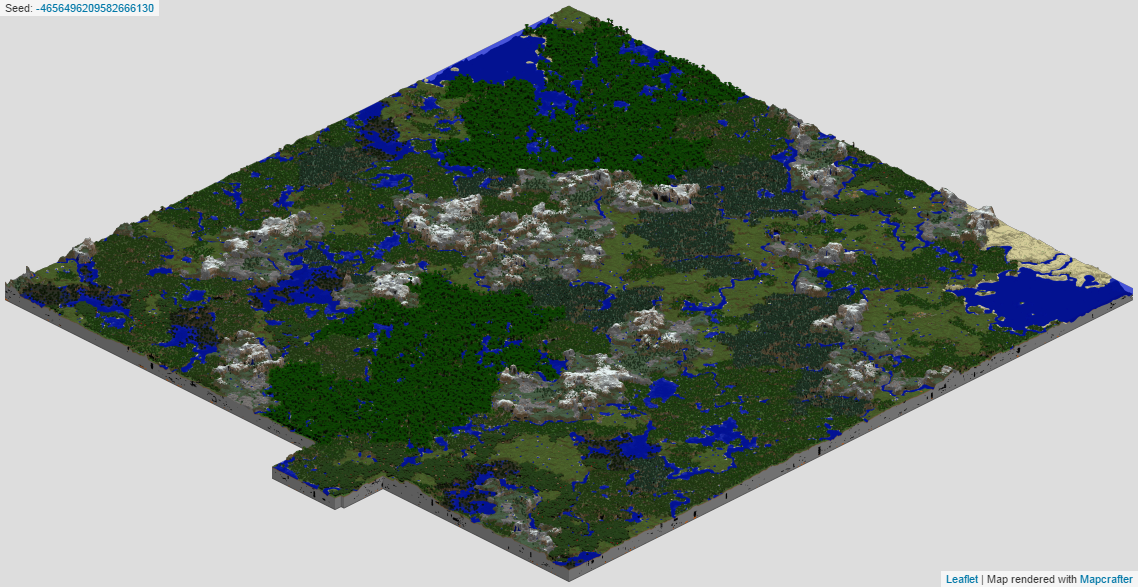
If you want to see more images of this plugin?
Click here to see all 31 images.
Comments

-

thomas_hja Owner
-
View User Profile
-
Send Message
Posted Apr 24, 2015@Thomaz2Fast
I'm using spigot 1.8 and actually yeah when I checked the console there was an error loading the plugin. 24.04 17:43:07 [Server] INFO Caused by: java.lang.ClassNotFoundException: net.minecraft.server.v1_8_R1.Entity
-
View User Profile
-
Send Message
Posted Apr 18, 2015@Hackfest
Multiverse is not required, but this plugin will use the first world when the server load up. Like a normal Minecraft server.
-
View User Profile
-
Send Message
Posted Apr 18, 2015@GildedSimian
Look like you get the default message, how to use those commands, but i not sure what went wrong, did you get any error message on the console when you start up your server or use those commands?
Are you using Craftbukkit / Spigot 1.8?
-
View User Profile
-
Send Message
Posted Apr 18, 2015Can this be enabled on only one world from multiverse?
-
View User Profile
-
Send Message
Posted Apr 14, 2015I enabled the plugin on my server but all that happens when I try to input a command is I just just get the command back like if I try to run the /uhc status command I just get back /uhc <settings : status> and nothing happens. The same things applies for any of the other commands. Am I just being an idiot or is there something I've missed.
-
View User Profile
-
Send Message
Posted Apr 1, 2015@RealCookieMonster
To enable this plugin? You open the config file and find "Plugin: false" and changed to "Plugin: true", Save it, and restart your server.
-
View User Profile
-
Send Message
Posted Apr 1, 2015How do you enable the plugin? please help
-
View User Profile
-
Send Message
Posted Mar 3, 2015@Thomaz2Fast
Ahh! Thank you so much for clarifiying that! I tested it out like this and we all had a blast with your plugin!
-
View User Profile
-
Send Message
Posted Mar 3, 2015@Thomaz2Fast
Oh sorry, i forgot this:
Please make the plugin allows to run /start from the console :D to allow auto-start. Thanks again
-
View User Profile
-
Send Message
Posted Mar 3, 2015@rodrigogarciama
All chat is global for now, but if you want it, i can add it on the next update.
I'm working on it.
-
View User Profile
-
Send Message
Posted Mar 3, 2015How works the chat channels? I mean for teams or global :D
PD: Can you add (please) an option to automatically restart the server after finishing? Thanks
(I'm spanish xD)
-
View User Profile
-
Send Message
Posted Mar 1, 2015Source code is now available on GitHub.
-
View User Profile
-
Send Message
Posted Feb 28, 2015@MMcTh
I don't think is forcing gamemode is causing it, but i will think it is playerdata was deleted or could not save on the server, when player logged off or disconnect. i'm not 100% sure.
Arena size & Worldborder
In config you will find 'WorldOptions.ArenaSize' at 1000, that means: that arena is radius of 1000 blocks from 0,0. And player will be teleported in that size.
For woldborder is it the totals size, but if you want to find where it start or stop? you have do: 2500 / 2 = 1250. Worldborder start position will be at 1250 blocks from 0,0.
('Worldborder.StartPos': 2500 = 1250 blocks from 0,0)
('Worldborder.EndPos': 300 = 150 blocks from 0,0)
You can also find out where worldborder will start and stop by using a command '/uhc settings'.
-
View User Profile
-
Send Message
Posted Feb 28, 2015@Thomaz2Fast
awesome, and I would also really like to see the option to enable commands for Operators. As well as a force team, or something like that for late joiners
-
View User Profile
-
Send Message
Posted Feb 27, 2015@Thomaz2Fast
Gah. It really was a silly question. The server was set so it forces gamemode 2 upon login. So that's totally an error on my end. Sorry for bothering you with that.
But while I'm on it, I'd have another question: I sometimes get the situation in which some of my players get teleported outside the shrinking wall and suffocate upon game start - I've probably just made an error in the settings. You couldn't give me an adivce for that too?
-
View User Profile
-
Send Message
Posted Feb 27, 2015@swvn9Gaming
Soon.
-
View User Profile
-
Send Message
Posted Feb 27, 2015@MMcTh
Hello.
Inventory of the ingame player will not be gone / clear out when they logged back in again.
I have been tested in Solo mode and Team mode and update Spigot / Craftbukkit server to newest version (to see if there was been some change), but every test i tested works very well.
Do you have another plugin run on your server may be causing it?
-
View User Profile
-
Send Message
Posted Feb 26, 2015Is there any way we can get open source?
-
View User Profile
-
Send Message
Posted Feb 26, 2015This is probably a silly question, but is it intentional that the inventory of players who're logging back in are getting wiped? (And if so, is there also a way to turn if off?)
I've had a few players who were having some connection problems, and when they logged back in again, all their items were gone, which was a bit frustrating for them...
-
View User Profile
-
Send Message
Posted Feb 20, 2015@ssamjh
I will look into those 'hardcore hearts' and see what i can do with it, but i not sure i will added in.
You have to kick them by one by one or restart your server, that is the only answer i can say from now on.